01
Server and adapter fit
Confirm host platform, PCIe generation, OS/driver context and required interface speed before selecting ConnectX or BlueField models.
NVIDIA compatibility planning
Prepare a cleaner RFQ by checking adapter fit, switch role, optics, cables, software context and deployment constraints before requesting price or availability.
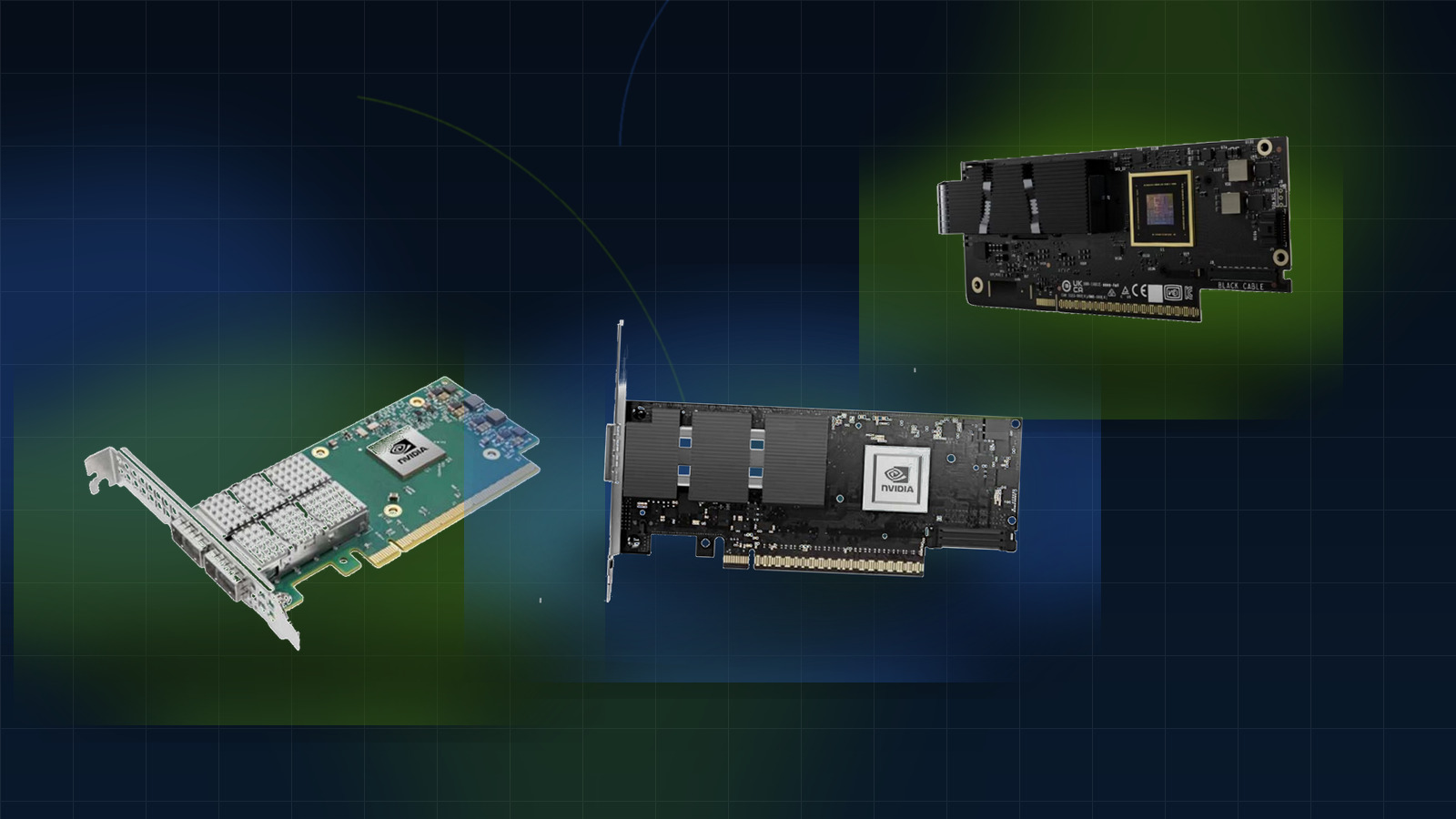
Compatibility checklist
Compatibility is rarely a single field. For infrastructure projects, it usually combines server platform, interface speed, switch role, optics or cable reach, software environment and rollout timing.
Compatibility checklist
Compatibility is rarely a single field. For infrastructure projects, it usually combines server platform, interface speed, switch role, optics or cable reach, software environment and rollout timing.
01
Confirm host platform, PCIe generation, OS/driver context and required interface speed before selecting ConnectX or BlueField models.
02
Clarify whether the switch is used for top-of-rack, leaf-spine, AI fabric, storage or lab expansion.
03
Match form factor, speed, reach, connector and breakout requirements before pricing cables or transceivers.
04
Capture firmware, operating environment, existing infrastructure and documentation requirements before final quote review.
Buyer matrix
Use this matrix to turn technical uncertainty into structured RFQ notes.
01
Will this adapter fit the target server platform and software environment?
Share server model, PCIe slot, OS, required speed and target part number.
Open family02
Does the switch role match the required Ethernet topology and port profile?
Share port speed, uplink plan, rack role, redundancy need and quantity.
Open family03
Will the InfiniBand fabric meet AI or HPC cluster scale requirements?
Share cluster size, GPU/server count, bandwidth target and expansion plan.
Open family04
Are the optics compatible with the target port, reach and form factor?
Share speed, form factor, reach, connector and switch or adapter context.
Open family05
Does the cable match length, connector and breakout requirements?
Share cable type, length, speed, connector pair and rack topology.
Open familyProducts to validate
Open the relevant product page, then send the part number with deployment and compatibility notes for follow-up.
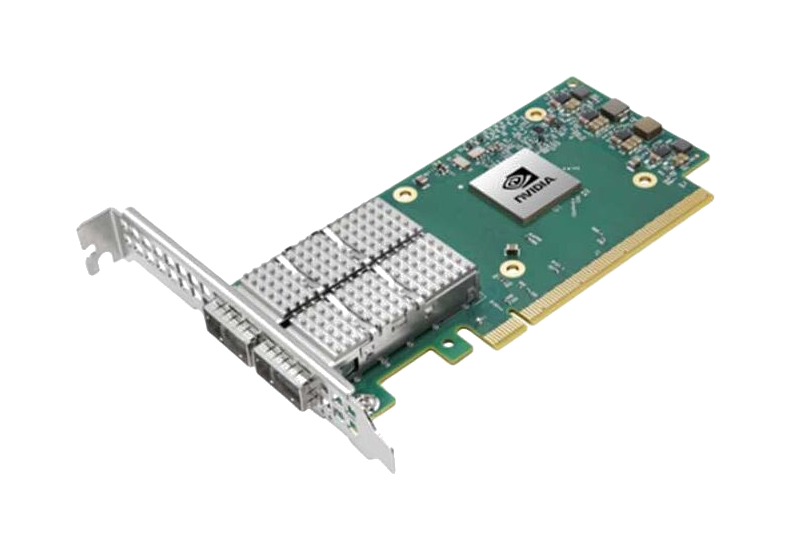
Dual-port 100GbE PCIe adapter with RoCE, 750ns latency, 200Mpps throughput. Ideal for AI, cloud, and storage with NVMe-oF, SR-IOV, and ASAP2 offloads.
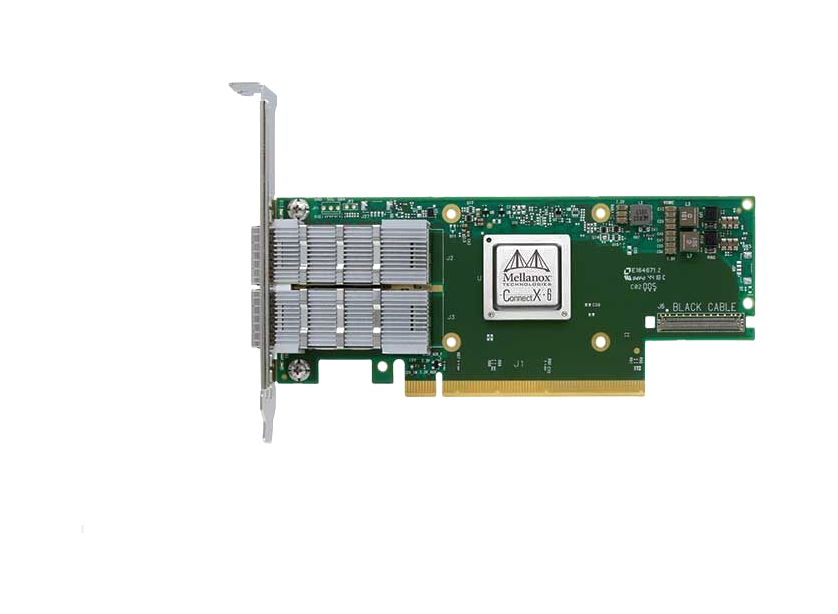
Dual-port 10GbE SFP28 adapter with RoCE, SR-IOV virtualization, and VXLAN offloads. Ideal for cloud, storage, and database servers requiring low latency.
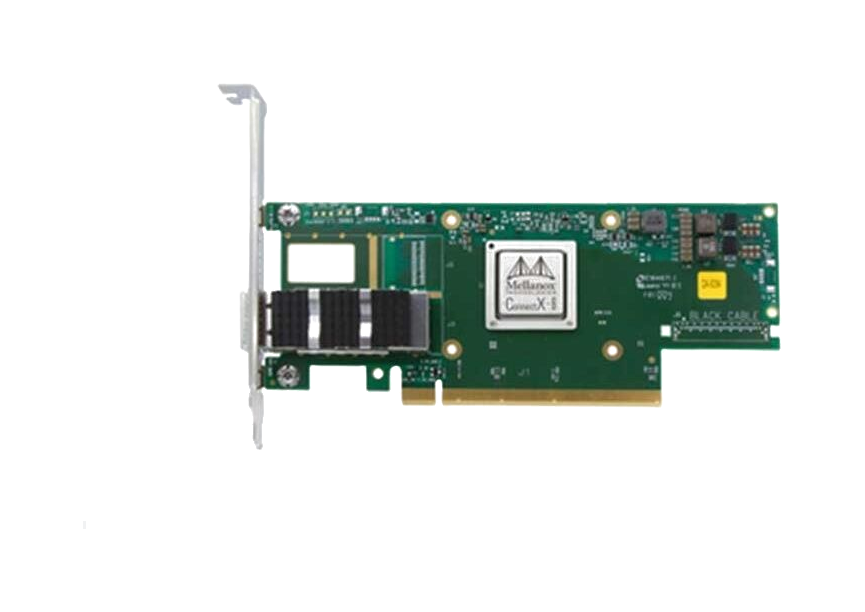
High-performance OCP 3.0 SmartNIC with 25/50GbE ports, PCIe Gen4, IPsec encryption, and SDN acceleration for cloud data centers.
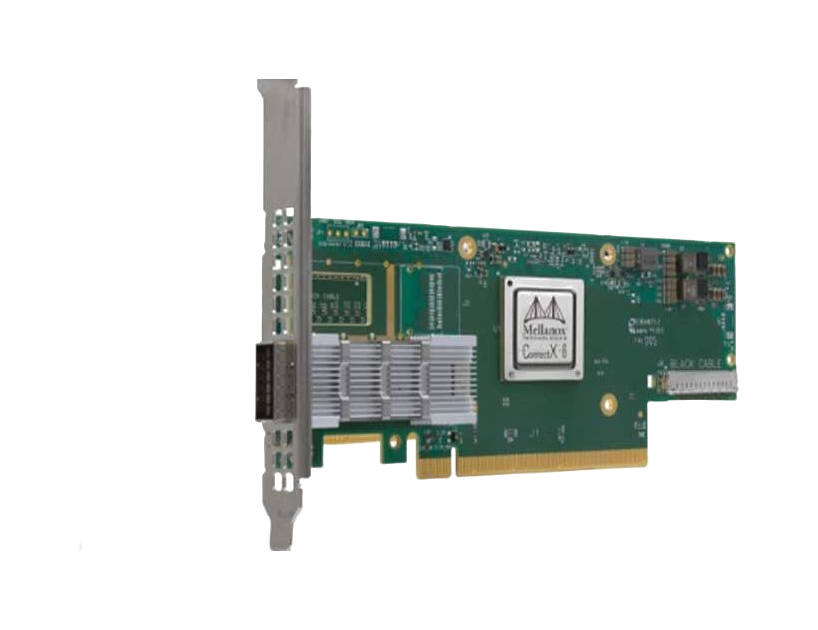
Dual-port 25/50GbE SmartNIC with PCIe Gen4, IPsec encryption, and Zero-Touch RoCE. Ideal for cloud, enterprise, and NFV workloads with 75Mpps throughput.
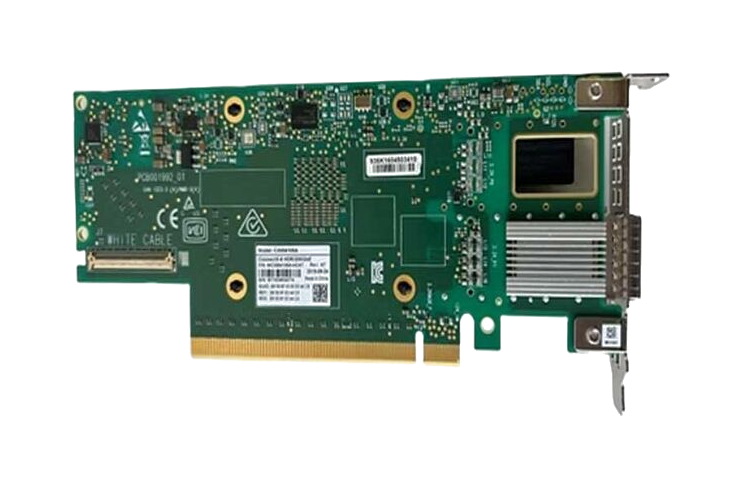
Dual-port 200Gb/s InfiniBand smart adapter with PCIe 4.0 support, hardware encryption, and in-network computing for HPC and AI workloads.
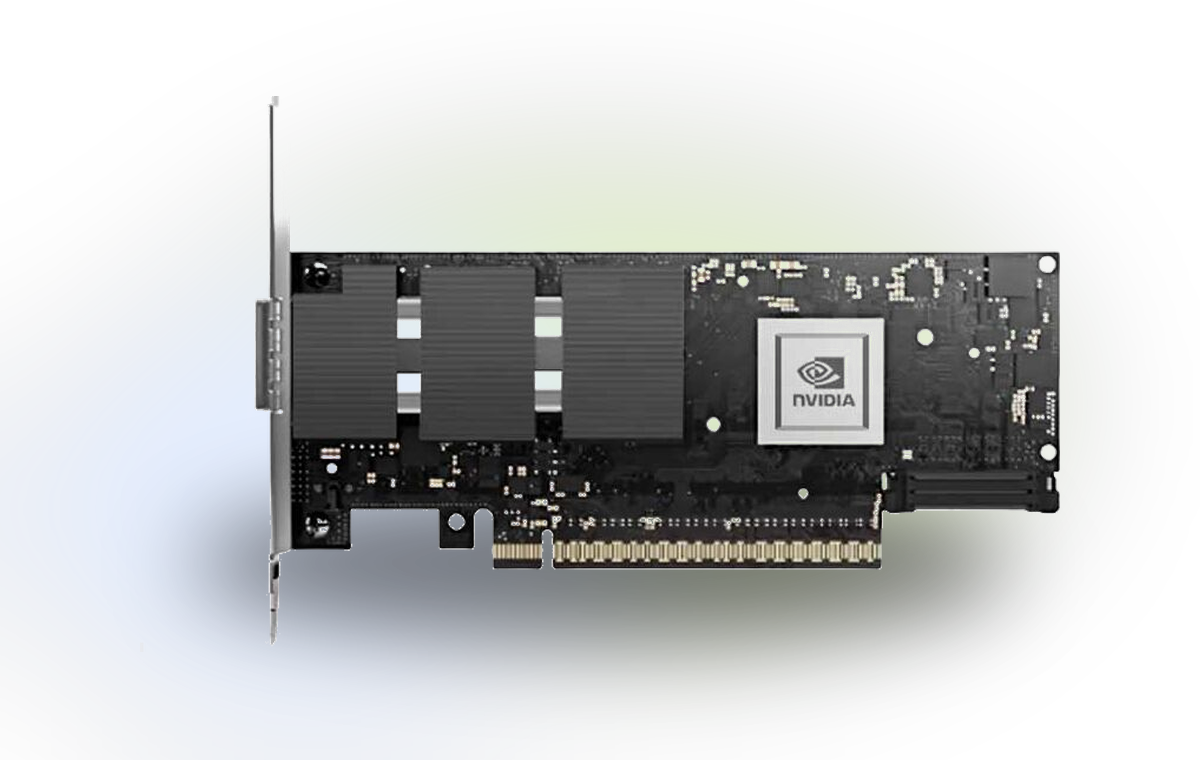
High-performance 400Gb/s dual-port adapter with PCIe 5.0 x16, hardware security offloads, and NVMe-oF support for AI/HPC data centers.
Compatibility FAQ
Short answers for teams that need to reduce fit risk before requesting quotation or stock review.
Yes. Compatibility context often improves the quotation because it reduces wrong-model risk and helps confirm whether substitutes or accessories should be discussed.
Part number, server or switch environment, target speed, optics or cable reach, operating system, quantity and deployment timeline are the most useful inputs.
Yes. For NVIDIA networking projects, cables and optics are often part of the same compatibility decision as adapters and switches.
Next step
Send the target model, server or switch environment, optics or cable requirement, quantity and timeline. We will route the request into sourcing and compatibility follow-up.