01
Choose the product family
Start with adapters, Ethernet switches, InfiniBand switches, optics or cables so the comparison stays focused.
NVIDIA product comparison
Use this comparison hub to shortlist NVIDIA switches, adapters, optics and interconnect products by family, deployment role and quotation readiness.
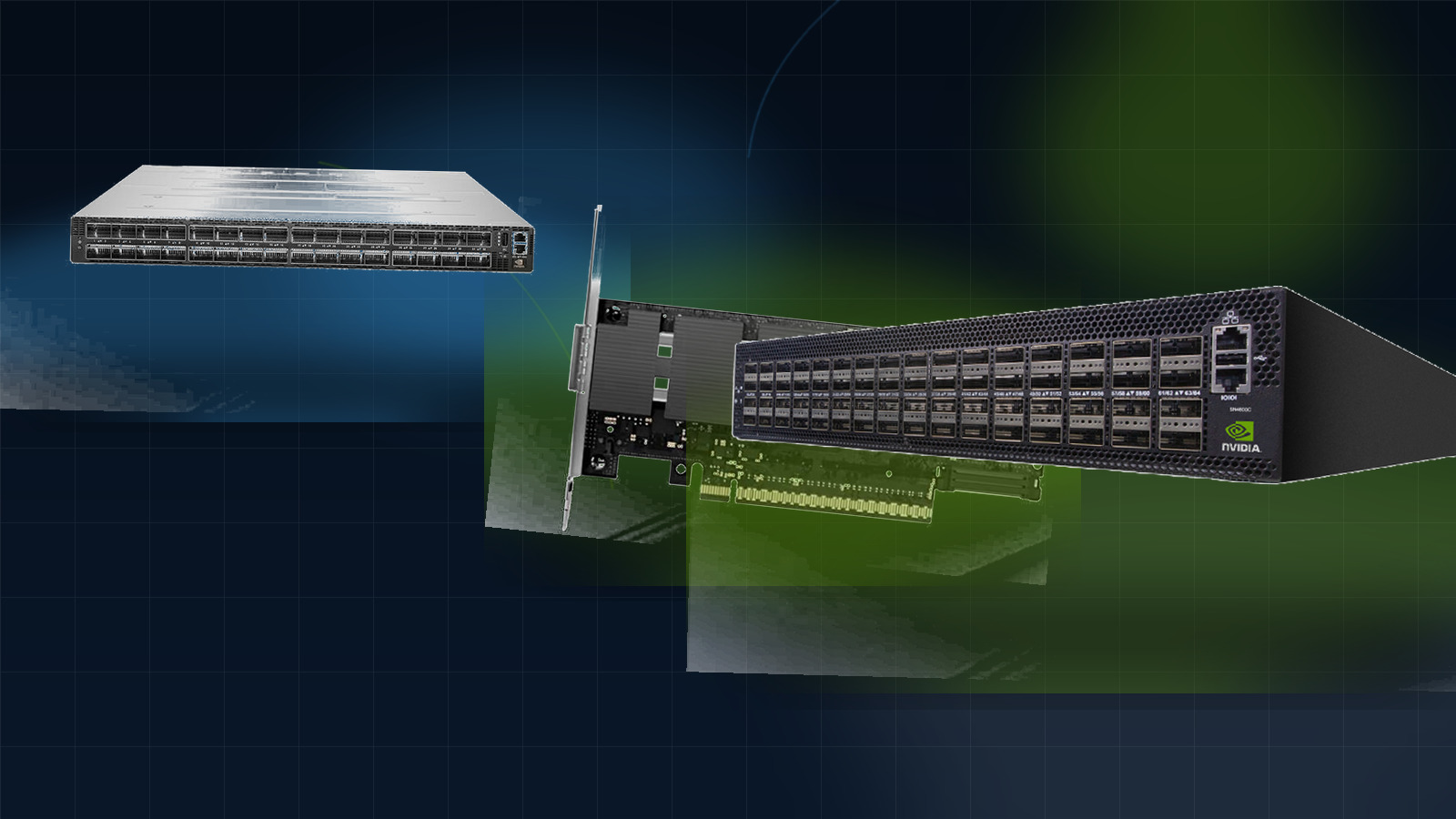
Comparison workflow
The goal is to reduce ambiguity before quotation. Start from the family, compare the role of each model, then send the target part numbers and quantity range for follow-up.
Shortlist map
Each family solves a different sourcing problem. Use this map to decide where the RFQ should start.
01
Start with adapters, Ethernet switches, InfiniBand switches, optics or cables so the comparison stays focused.
02
Separate switching, host connectivity, optical reach and cable scope before discussing price or availability.
03
Prepare part numbers, quantity, target speed, destination, timeline and compatibility notes.
01
Server connectivity, SmartNIC planning and adapter generation review.
Server platform, interface speed, OS context, quantity and target adapter part number.
Compare adapters02
Leaf-spine, top-of-rack and data center Ethernet refresh.
Port speed, switch role, uplink plan, redundancy target and required quantity.
Review Ethernet switches03
AI cluster, HPC fabric and high-throughput GPU infrastructure.
Fabric size, GPU/server count, required bandwidth, cable/optics plan and expansion notes.
Review InfiniBand switches04
Optical transceiver selection, reach planning and interface matching.
Speed, form factor, reach, connector requirement and switch/adapter context.
Compare optics05
DAC, AOC and breakout cable selection for racks and clusters.
Length, speed, connector type, breakout need and target switch or adapter.
Match cablesFeatured comparison entries
These product pages are prepared for part-number review, technical context and fast inquiry handoff.
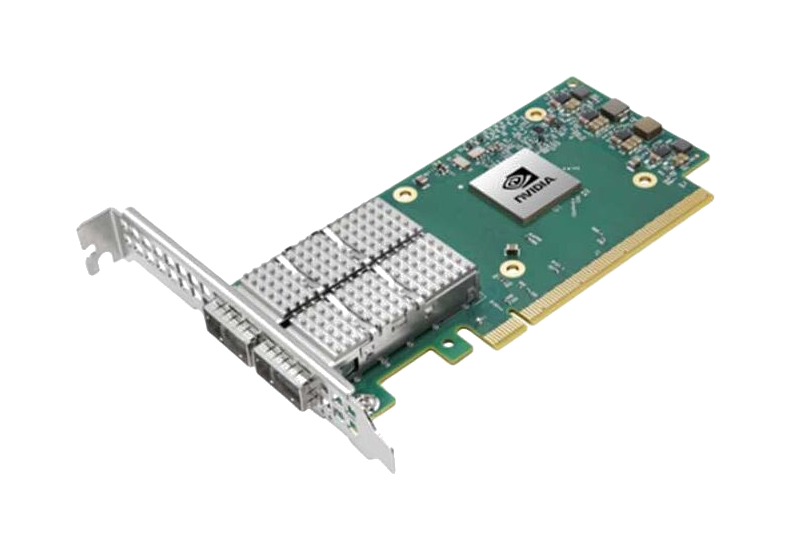
Dual-port 100GbE PCIe adapter with RoCE, 750ns latency, 200Mpps throughput. Ideal for AI, cloud, and storage with NVMe-oF, SR-IOV, and ASAP2 offloads.
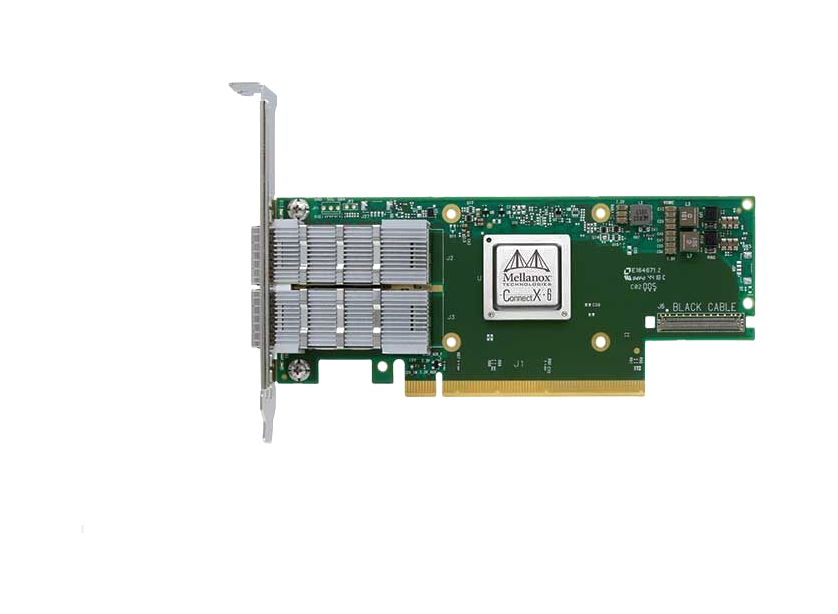
Dual-port 10GbE SFP28 adapter with RoCE, SR-IOV virtualization, and VXLAN offloads. Ideal for cloud, storage, and database servers requiring low latency.
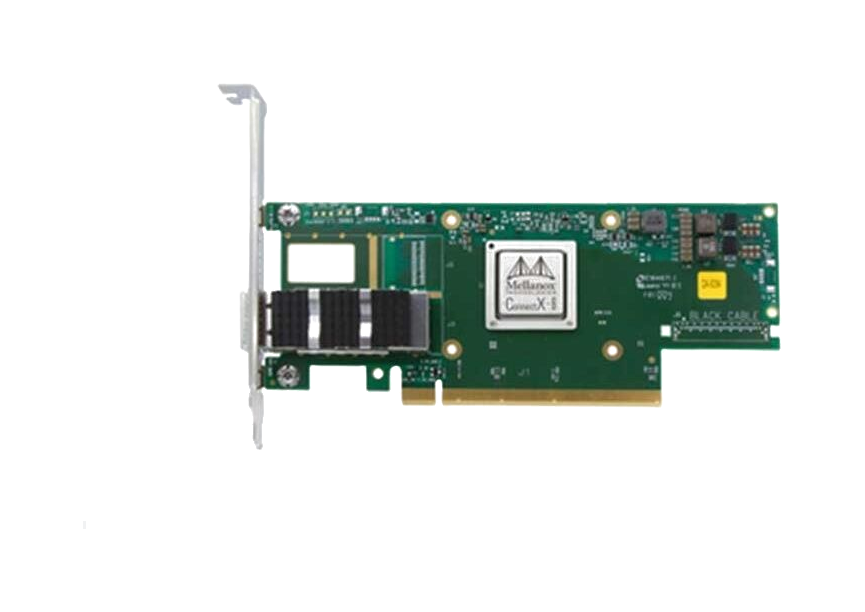
High-performance OCP 3.0 SmartNIC with 25/50GbE ports, PCIe Gen4, IPsec encryption, and SDN acceleration for cloud data centers.
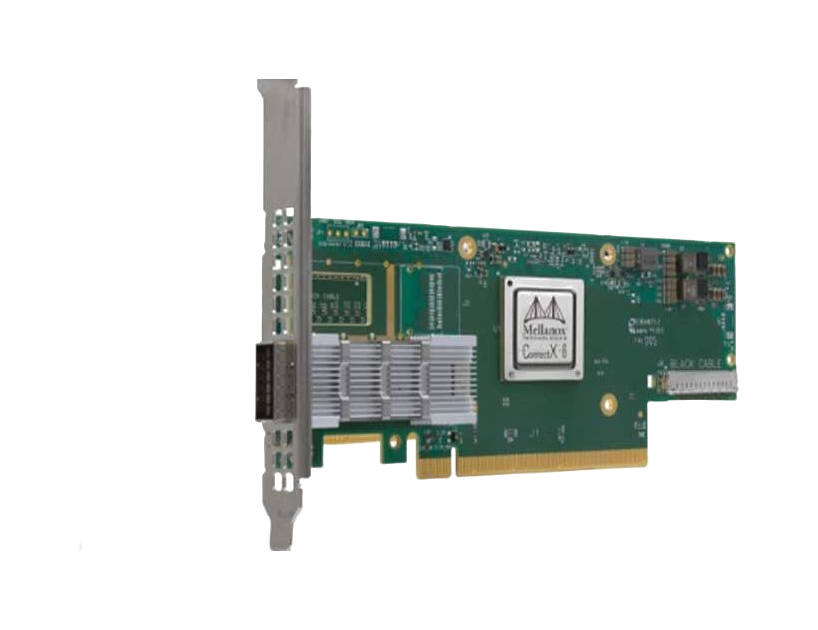
Dual-port 25/50GbE SmartNIC with PCIe Gen4, IPsec encryption, and Zero-Touch RoCE. Ideal for cloud, enterprise, and NFV workloads with 75Mpps throughput.
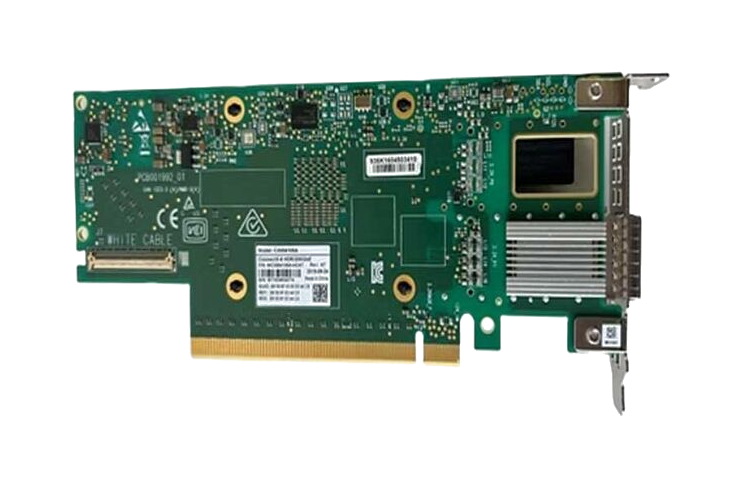
Dual-port 200Gb/s InfiniBand smart adapter with PCIe 4.0 support, hardware encryption, and in-network computing for HPC and AI workloads.
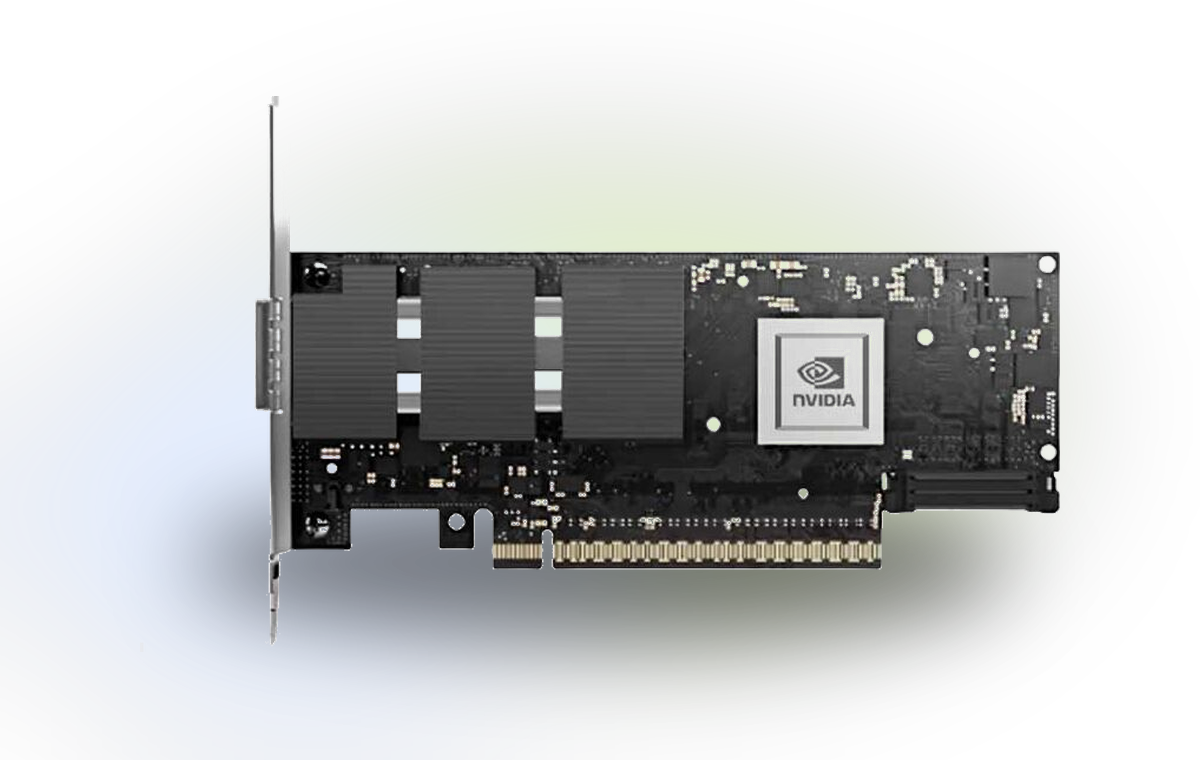
High-performance 400Gb/s dual-port adapter with PCIe 5.0 x16, hardware security offloads, and NVMe-oF support for AI/HPC data centers.
Comparison FAQ
Short answers that help procurement and technical teams turn comparison work into a clearer inquiry.
Prepare the target part numbers, product family, quantity range, deployment role and any compatibility constraints around servers, switches, optics or cables.
Yes. A BOM is often the best starting point because it lets the discussion cover model fit, quantity, substitute options and availability in one flow.
Use exact part numbers whenever possible. Product names can be broad, while part numbers reduce ambiguity during quotation and stock review.
Next step
Send the models you are comparing, required quantity, deployment scenario and compatibility notes. We will help organize the comparison into an RFQ-ready shortlist.